
No products in the cart.
All products
SJCAM SJDASH AIR VIDEO CAMERA
₹10,000.00
Only1 item(s)left in stock!
1 in stock
- Motion Detection : Tick the option of “Motion Detection” in the menu, Once the camera detected there had a change in the position of an object, a signal can activate the camera to capture an image or video of the motion. And it will stop recording after 5 seconds without detection of moving object.
- Taking Picture : When camera is standby, press “Mode” button to enter photograph function, then the icon on up-left corner will switch from video to image, pressing “OK” shortly will take the picture for what you want. For changing back to video recording, just need press “Mode” button twice shortly.
- Manual Recording : Press “Power” button and hold for 3 seconds, the camera will turn on and start recording, and the indicator light will on and flash. Repeat the same action, camera will save the recording and shut down.
- G-sensor : The built-in G-sensor enables the camera to lock the recording file when it suddenly received a shock, either from a collision, crashes, or heavy breaking. This function will protect important footage from being deleted when the memory card is full and it loops over. (There will have lock icon on the screen for the locked files)
- Video resolution : 1920×1080 (interpolation), 1280×720
Only logged in customers who have purchased this product may leave a review.
Related Products
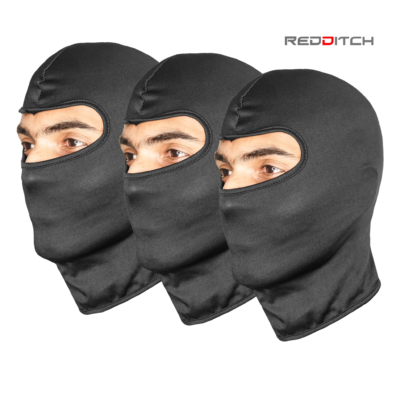

Out Of Stock
-54%
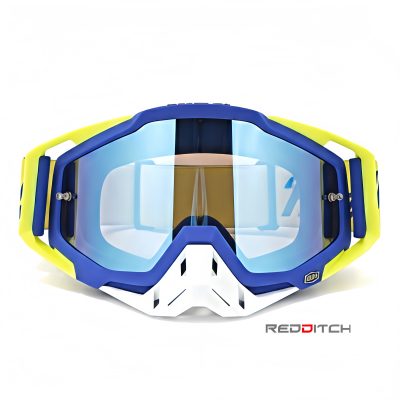
100% GOGGLES (WHITE/BLUE/GREEN)
Original price was: ₹1,700.00.₹790.00Current price is: ₹790.00.


Out Of Stock
Reviews
There are no reviews yet.